History
Linux always felt daunting as a teenager since at the surface it looked like something only tech professionals could handle. But this changed quite a bit over the years as more people wanted to transition to an OS that doesn’t throw bloatware at you which obviously made your system slower and offered quite limited possibility to customize how the OS looked and felt like. But I needed to buy a laptop and my YouTube algorithm generously recommended videos about owning an old ThinkPad and using Linux to get the most juice out of the system. So I caved and bought a used ThinkPad T440S for 75 euros. This was the start of the my Linux journey.
I installed Fedora linux as my first OS. I liked the minimal Gnome desktop environment that came as default and liked from a utilitarian perspective. But then I found the holy grail of linux customization r/unixporn where people flaunted their linux setups with anime waifus and insane windows managers and terminals. Most of them were Arch Linux with Hyprland and this leads to the rabbit hole of me wanting to recreate this setup on my own.
This was tough, installing Arch Linux seemed like a magnanimous task, but by the time I picked it up their arch install script made it much easier. But still the idea of scouring the internet for Hyprland documnetation, Waybar config seemed like too much of a work and I just forgot and went back to using Windows and MacOS like the average ignorant consumer I am.
DHH launches Omarchy
My colleague shows me this new project by DHH (the guy who made Ruby on Rails) called Omarchy . which as the title suggests was an aesthetic, modern, OPIONIONATED version of Arch Linux, basically a bunch of config loaded for the user at the start. This felt like something tailored for me.
So I instantly installed it on my ThinkPad and boy was it easy to install, the ISO provides you a simple menu and does most of the stuff for you. The OS boots up with an aesthetic background and has all of it’s tools at handy. I liked it so much that I decided to dual boot Omarchy on my gaming/home PC which has much better specs than the ThinkPad and I could essentially use it as a daily driver for personal development. The rest of the post can be treated as a walkthrough for dual booting Omarchy on a partition as I struggled a bit to find a singular source that explained the process.
Installing Arch with Encryption on a partition
Omarchy ISO doesn’t have any option to install it on a partition as it basically takes the whole drive and encrypts it, essentially wiping the drive. But the docs mentioned the option to install Arch with specific settings and running the bash install script later if you wanted to install it on a partition (optionionated indeed).
I set apart a 110G partition on my SSD which housed Windows, and started the process. I thought it wouldn’t even be possible to encrypt a partition but apparently it is with some grunt work.
- Using the
cfdiskcommand create your partitions forbootand the rest of your storage in your unallocated partition. It’s pretty common to allocate around 512M in different guides and videos for yourbootbut if you take anything from this guide, it should be to allocate a much higher number (around 2G) for it since the install script instead of clearing the boot, installs Limine bootloader again which would fail if it runs out of space and you would have to start the whole process again. Maybe there is a way to increase the size of the partition at that point but it seemed tricky and dangerous. lsblkwould be your go-to command to check the drive status and to view your partitions and their properties. Then as mentioned in the guide, format the boot with ext4 and the home storage withbtrfs. Once this is done, you should be able to encrypt the partition with Luks and the process is quite straightforward, I will provide a helpful YouTube video to follow along to.- Once you have done everything else, comes the fun part of installing the Limine Bootloader, essentially copying the EFI from your installed directory to your boot directory and writing your basic config in
limine.conffile. This can be basically copied from the Arch Wiki, main step being to paste the UUID of your encrypted partition in your limine config file.
timeout: 5

/Arch Linux
    protocol: linux
    path: boot():/vmlinuz-linux
    cmdline: root=UUID=xxxxxxxx-xxxx-xxxx-xxxx-xxxxxxxxxxxx rw
    module_path: boot():/initramfs-linux.img
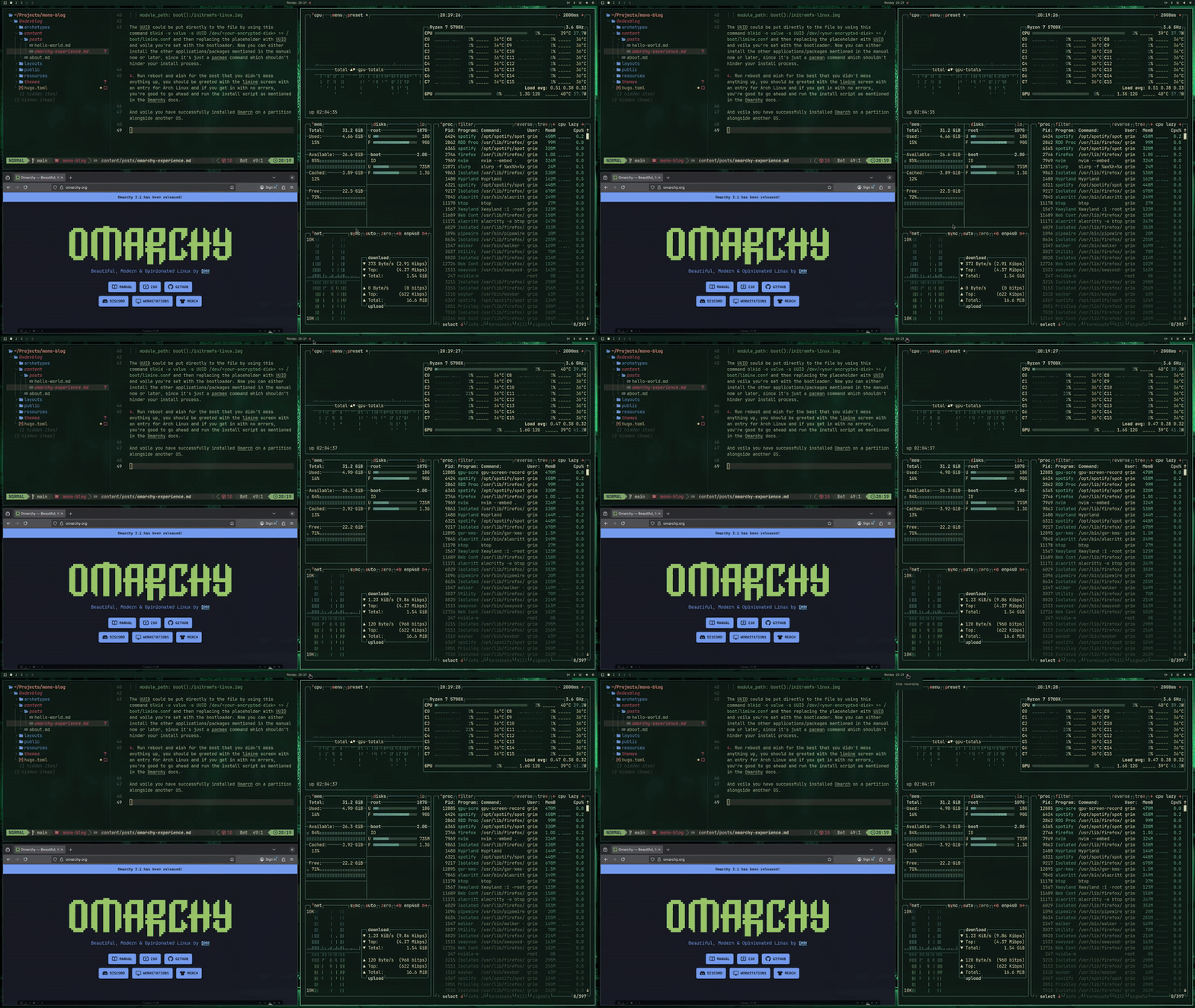
The UUID could be put directly to the file by using this command blkid -o value -s UUID /dev/<your-encrypted-disk> >> /boot/limine.conf and then replacing the placeholder with UUID and voila you’re set with the bootloader. Now you can either install the other applications/packages mentioned in the manual now or later, since it’s just a pacman command which shouldn’t hinder your install process.
- Run reboot and wish for the best that you didn’t mess anything up, you should be greeted with the limine screen with an entry for Arch Linux and if you get in with no errors, you’re good to go ahead and run the install script as mentioned in the Omarchy docs.
And voila! you have successfully installed Omarchy on a partition alongside another OS.
My Takeaways
This might seem like a simple process but took me quite a few times of installing arch from scratch and failing. But given the effort I really love what Omarchy has to offer.
Yays
- It puts my monkey brain that craves beautiful yet fast and useful UI at peace, it offers all the popular utilities such as Hyprland, Waybar, Nvim bundled with default config which is quite easy to change and replace to your liking. This could be the best place for beginners to start using Linux and customizing it as they spend more time with it.
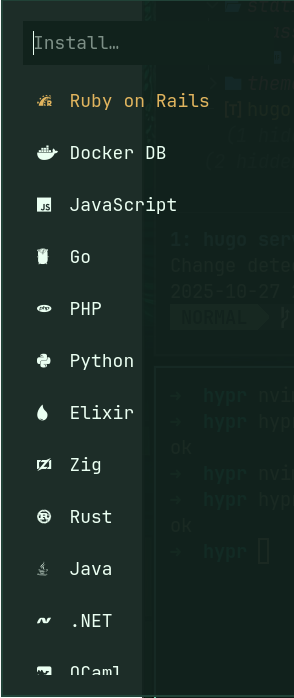
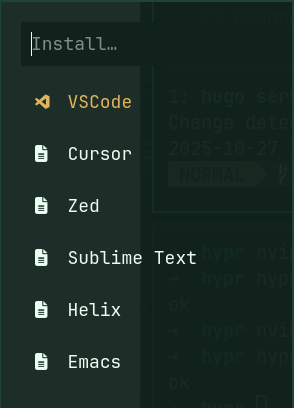
- It has a heavy focus to provide an optimal development environment as it has options to install your favourite IDEs, languages nicely bundled together and the installing and removal of packages and tools are lightning fast.
 |  |
|---|
- DHH is quite active in the community it is constantly maintained and updates are rolled out quite regularly which is always a good sign.
Nays
- I really want the omarchy launcher to have multi level fuzzy finding instead of going through each menu one by one. For e.g. for shutting down you go through System > Shutdown instead of just typing it and getting it. You are only allowed to search in the current level of menu as of now.
- I would really love for this whole process of installing it on a partition to be provided out of the box, I have no clue how hard it would be, but would make it much more pleasant for people to install and try it on their system instead of wiping their OS and start from this.
This project is still quite young and exciting so there is a whole lot of potential. I believe as other popular OS keep on being intrusive and limiting the user, Linux could be the next big solution where every user knows how their OS operates and has full control instead of being spoon fed limited garbage by the big corps.
Bonus stuff
- The time would be wrong even if you have set the correct timezone as Arch displays the RTC (hardware clock time) and you want it to set it to UTC.
sudo timedatectl set-ntp true
sudo hwclock --systohc
- Create a snapshot of your arch setup before running the install script using a tool like
timeshiftinstead of repeating the process a bunch of times when install script fails like me :)
Resouces
- Youtube video to follow along until bootloader: Arch Linux: An Encrypted Guide
- Limine Arch Wiki
- And ofcourse ChatGPT!